All work
Tend
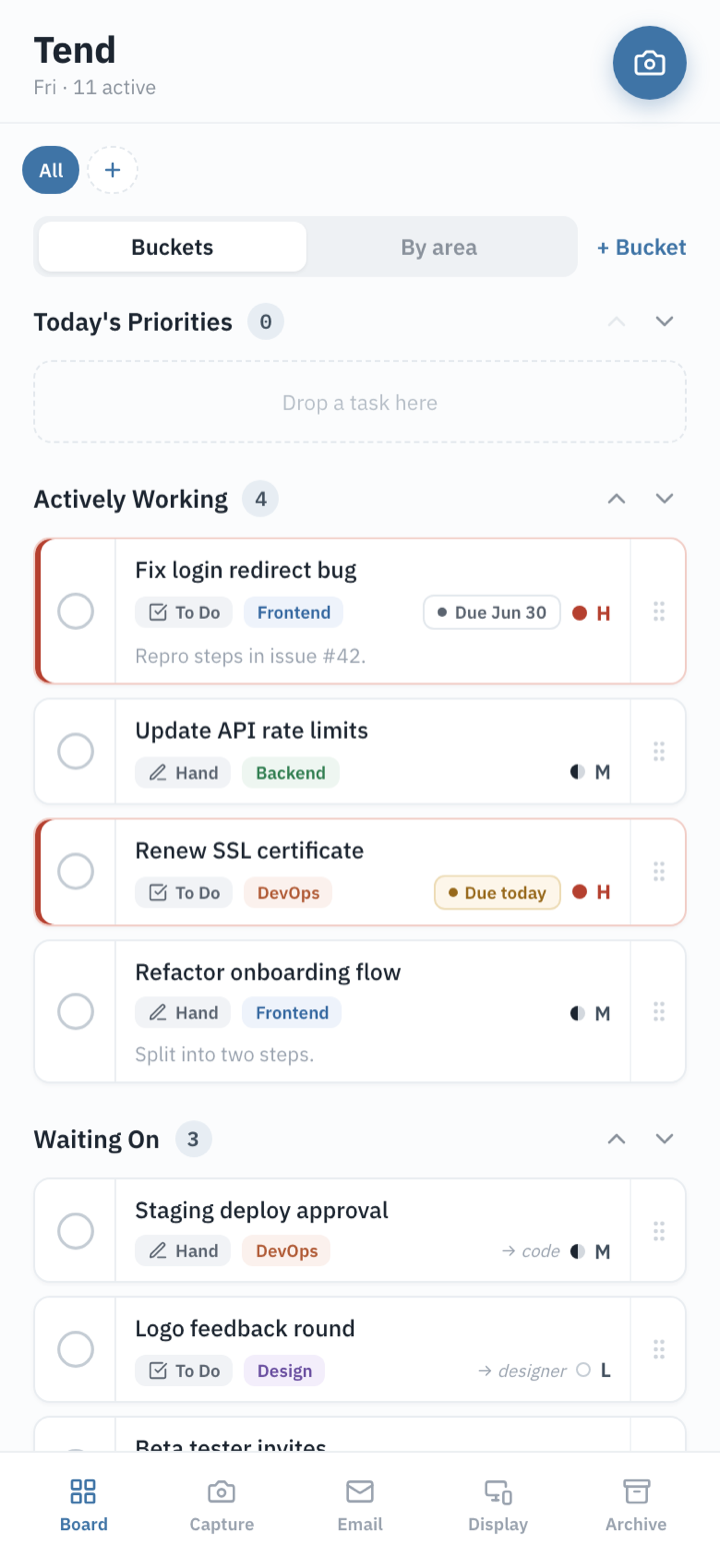
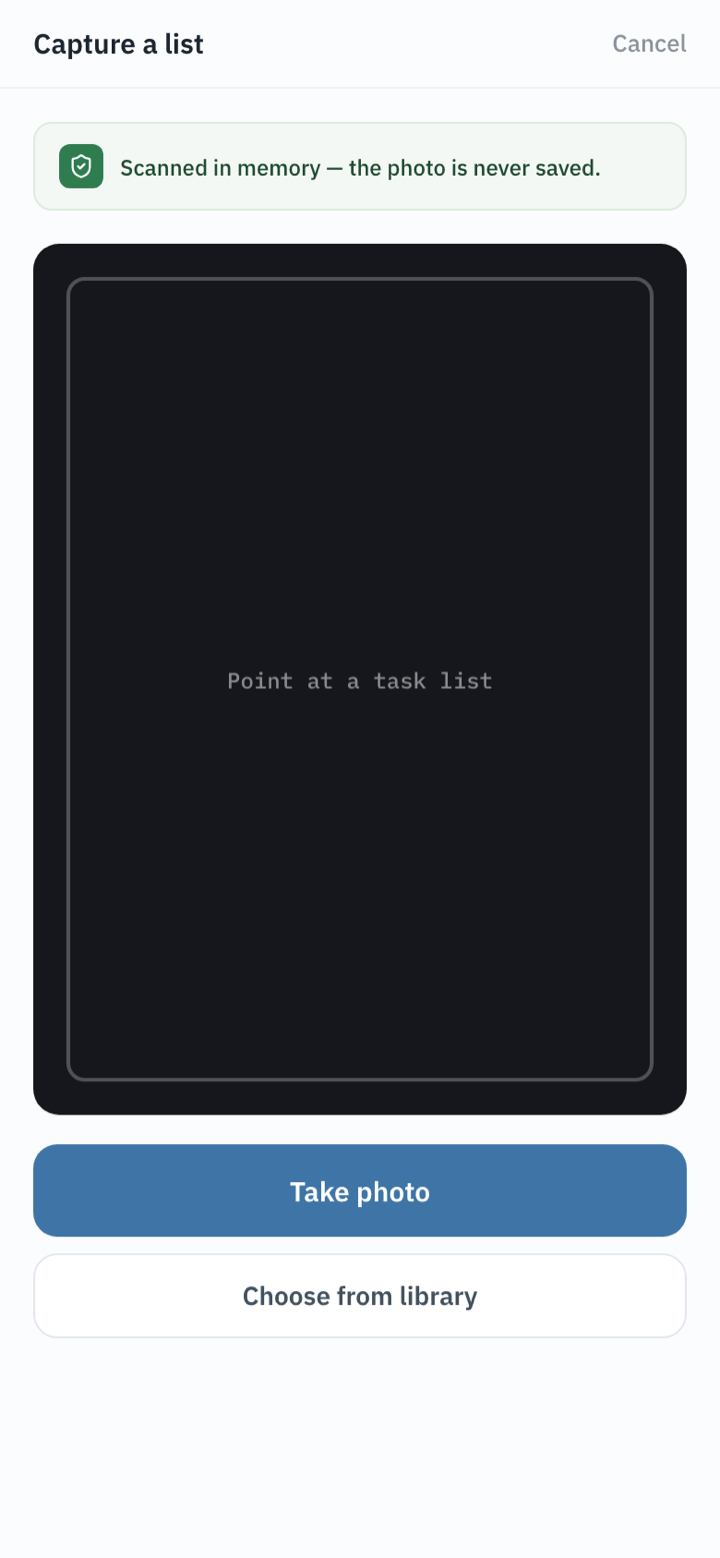
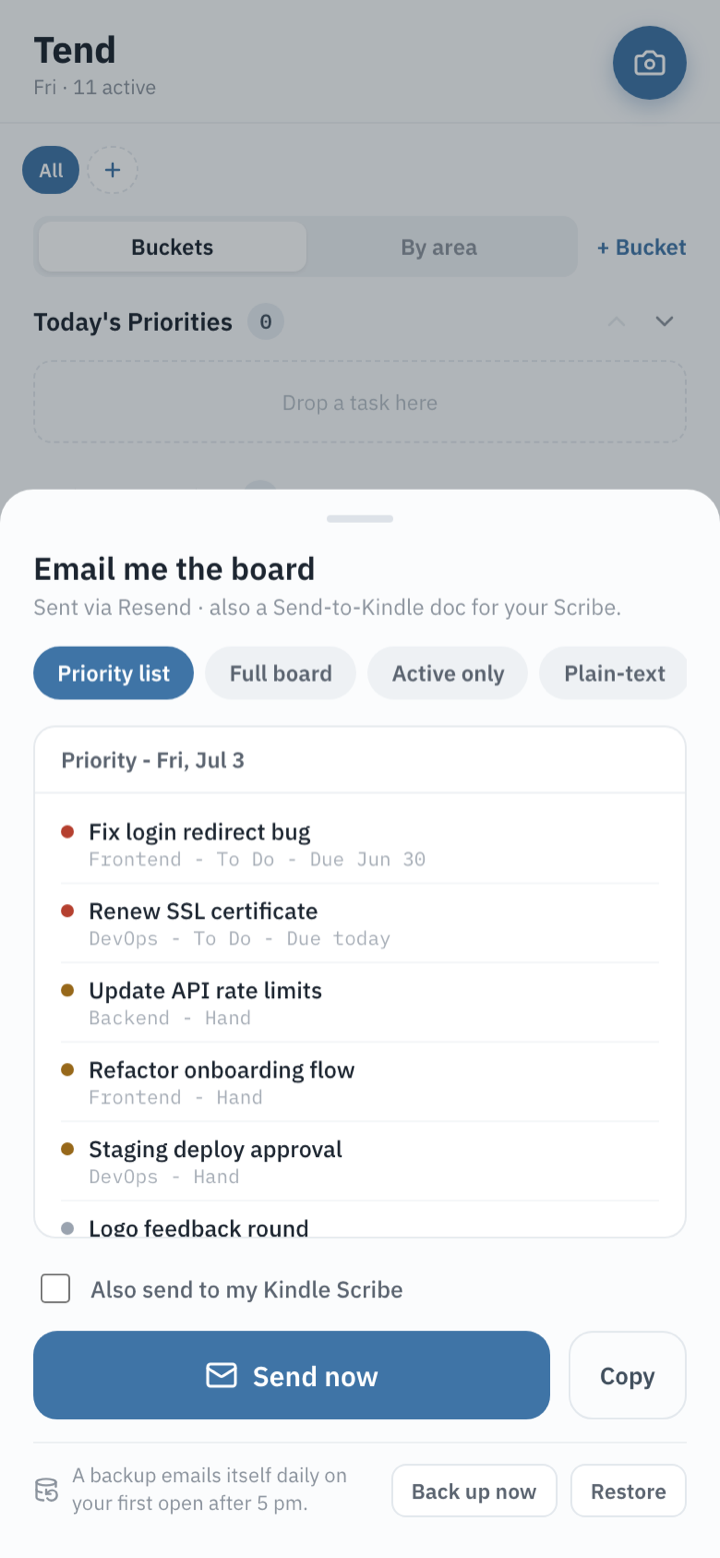
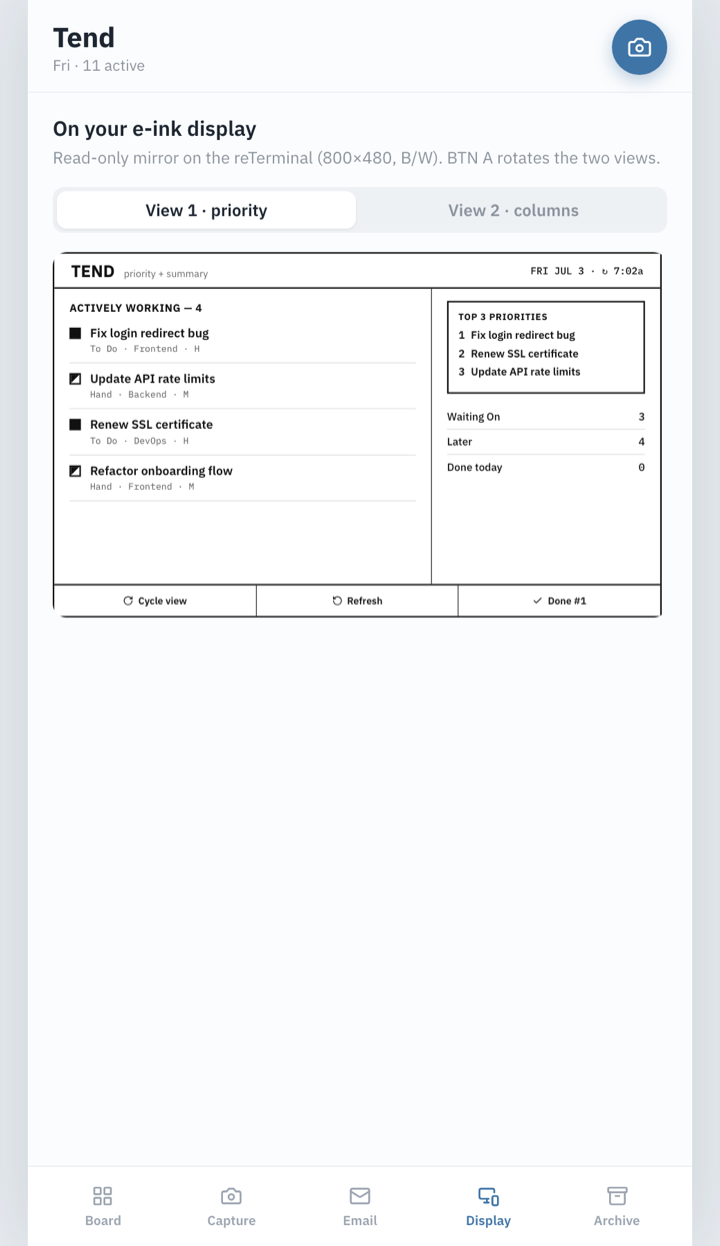
A phone-first task app for one stubborn problem: to-do items scattered across four disconnected lists. Tend captures a list by photographing it, reconciles duplicates, and pulls everything into one draggable board — then mirrors the day's priorities to an e-ink display on the desk.
Tend is a personal tool and isn't publicly available — so here's the tour in screenshots. All task data shown is demo content.
Screens
How it's built
- React + Vite PWA — installable and offline-capable, designed phone-first.
- Local-first data — tasks live on-device in IndexedDB. No cloud sync, no account, nothing to leak.
- Privacy-first capture — the list photo is analyzed in memory and discarded; it never touches disk, storage, or logs.
- Server-side secrets — the vision and email functions run as Supabase edge functions, so no API key ever ships to the browser.
- E-ink companion — a dedicated 1-bit black-and-white view for a reTerminal e-ink panel (firmware in progress).